
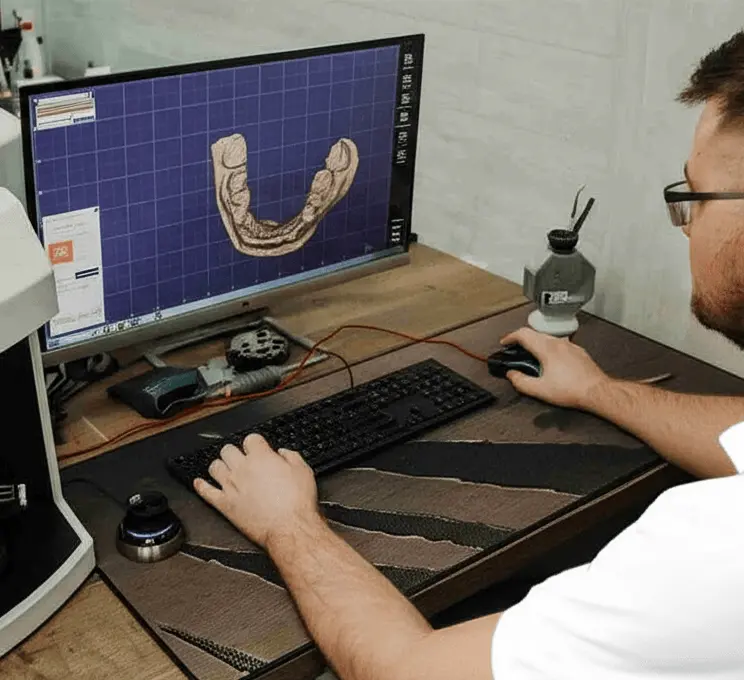

Sending a digital impression?
We accept digital scans from all major intraoral scanners.
To get started, simply upload your scan files (STL or compatible formats) to your own Google Drive folder. Make sure to set the folder sharing to “Anyone with the link can view” so we can access the files.
Once done, copy the Google Drive link and fill out our submission form with your case details.
It’s quick, secure, and sets you up for a smooth, fully digital workflow.
How to send a case
Fill out the form with all required details.
Upload your case files (STL, PLY, images, etc.) to a Google Drive folder.
In Google Drive, right-click the folder and click “Share”.
At the bottom of the popup, click “Anyone with the link” (change it from “Restricted” if needed).
On the right side, click the dropdown and change the role from “Viewer” to “Editor”.
Copy the link and paste it into the Google Drive Link section of the form.
Click Submit. We’ll review your case and get back to you within 24 hours.
About our service
We specialize in digital dental design using Exocad and other leading CAD technologies. Our team is made up of experienced dental professionals and designers committed to precision, speed, and aesthetics.
Why Partner With Us:
Fast Turnaround Time – Receive your designs in 30 hours.
Digital Precision – We use Exocad for high-quality and accurate designs.

International Clients – Trusted by dentists and labs in the US, UK, Canada, and Australia.

Confidential & Secure – All case data is treated with strict confidentiality.